
ERP for small business: do you need one, and what to try first
ERP for small business explained: how to tell if you need one, what to try first (spreadsheets, Xero add-ons, a custom tool), and how to run a fair trial.
By Gary · · 10 min read
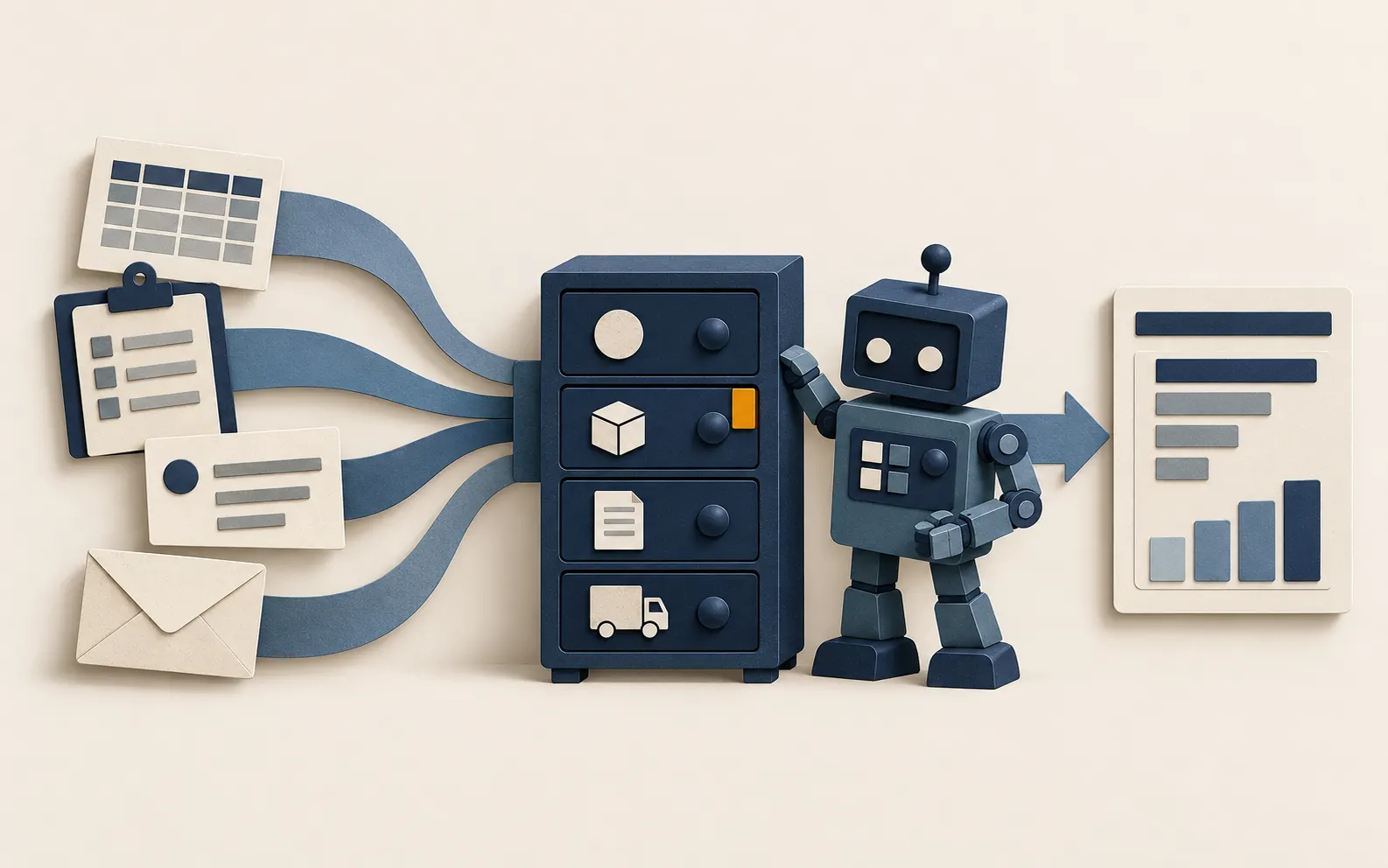
A small fabrication firm near Leith quotes jobs in one spreadsheet, tracks materials in another, raises invoices in Xero and keeps delivery dates on a whiteboard. Every Friday someone spends two hours checking that the four agree. Sooner or later a director says “we need an ERP”, and a salesperson is happy to agree.
ERP for small business is a real option, but it is often bought too early. ERP stands for enterprise resource planning: one system that holds finance, stock, orders, purchasing and sometimes projects or production in a single set of records. This guide helps you decide whether you need one, shows what to try first, and walks through a fair trial if you do. It ends with the lighter-weight projects we build for clients when a full ERP would be more than the job needs.
What an ERP actually does
Strip away the vendor language and an ERP does three things:
- One record for each thing. A customer, product or supplier exists once, and every part of the business reads the same record.
- Linked transactions. A sales order reserves stock, triggers a purchase if stock is short, and becomes an invoice. Nobody retypes it.
- Reporting across the lot. Margin by job, stock value, what is owed to you and what you owe, all from the same source.
Vendors cover this ground differently. Microsoft describes Dynamics 365 Business Central as ERP for small and midsize businesses, covering finance, sales, service, supply chain and projects. Odoo and ERPNext are modular systems you add pieces to as you grow. Accounting packages like Xero sit at the lighter end, with some stock control built in.
Do you need an ERP yet?
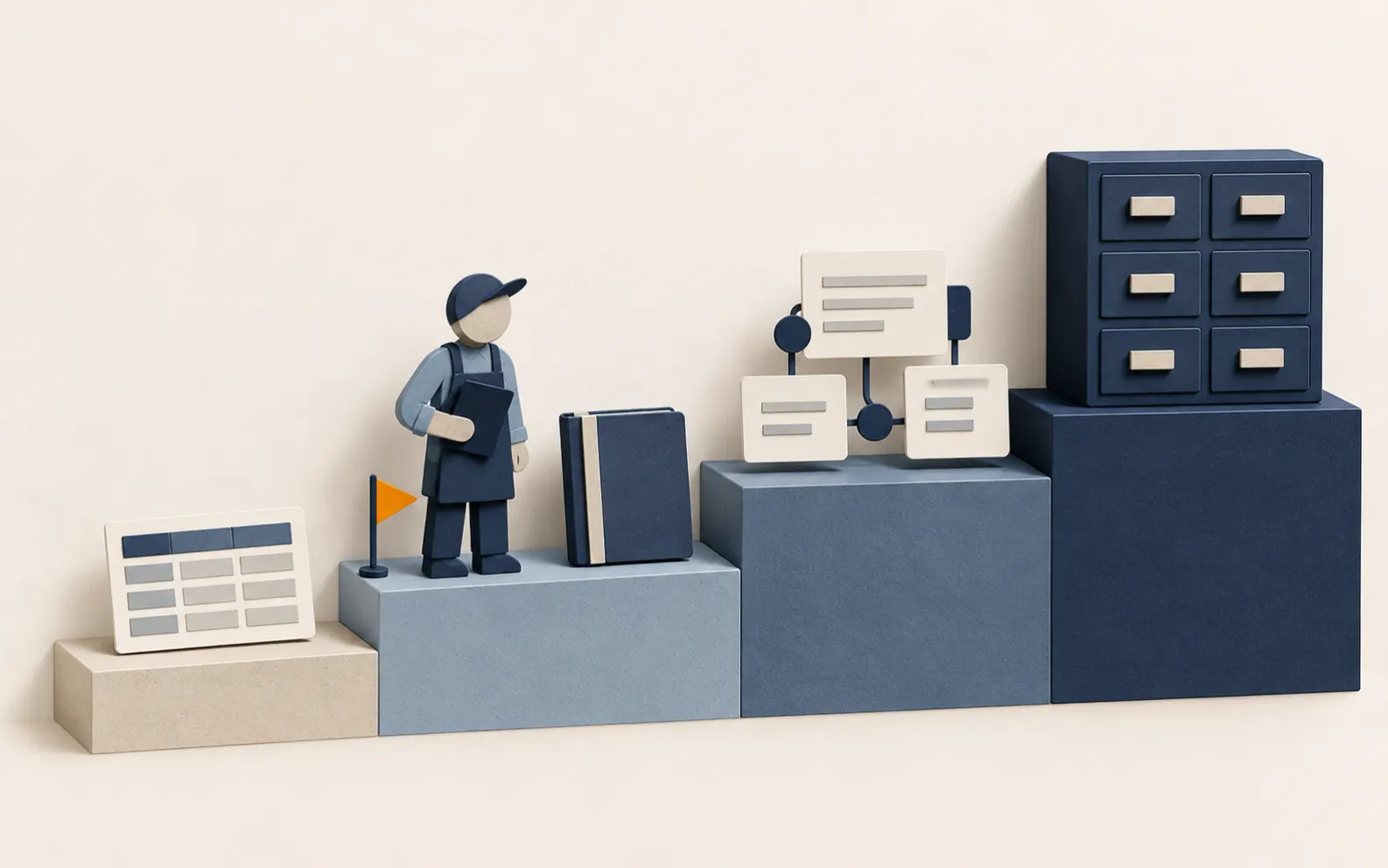
Most businesses with fewer than 20 people do not need a full ERP. They need the right three or four things to talk to each other. Use the table below to see where you sit.
| Your situation | Likely best fit | What to watch |
|---|---|---|
| Sole trader or a few staff, simple invoicing, no stock | Accounting software such as Xero, plus a tidy spreadsheet for the rest | Keep one master list of customers and prices |
| Sells stock, but from one location and with modest volumes | Accounting software with its built-in stock tracking, or a stock app that connects to it | Check what the tracking covers and what it does not (see step 2) |
| Several stages per job (quote, order, purchase, make, deliver, invoice) and the same data typed in more than once | A small custom tool or a modular ERP such as Odoo or ERPNext | Needs an owner, a data clean-up and a rollout plan |
| Multiple sites or companies, manufacturing with bills of materials, serial or batch tracking, a finance team | A full ERP such as Business Central, usually with an implementation partner | Budget for configuration, training and ongoing support, not just licences |
Five signs you may have outgrown spreadsheets and an accounting package:
- The same order or customer detail is typed into two or more systems.
- Nobody can say with confidence what stock you hold or what a job really cost.
- Month end depends on one person who knows which spreadsheet is the true one.
- You have turned down work or delayed growth because the admin would not cope.
- Your accountant or bookkeeper regularly finds mismatches between the systems.
If only one or two of these apply, fix that one problem first. A single linked workflow often costs a fraction of an ERP project and delivers most of the benefit.
Step 1: Map how work moves through the business
Before you look at any product, draw the path of one typical job from first enquiry to money in the bank. Use a sheet of paper, or a whiteboard photo, and follow these steps:
- List the stages. For the fabrication firm: enquiry, quote, order accepted, materials ordered, work done, delivered, invoiced, paid.
- Name the system for each stage. Spreadsheet, Xero, email, whiteboard, someone’s head.
- Mark every hand-off where a person retypes or copies information. These are your pain points.
- Mark every mistake you can remember in the last six months, such as a wrong price, a missed delivery or a double invoice, and which hand-off caused it.
- Circle the three worst hand-offs. These become your requirements, in order of importance.
This one-page map does more than any vendor demo. It tells you what to ask for, and it often shows that the problem is a process, not a missing system. Our process audits do this mapping for you, but you can do a decent first version in an afternoon.
Step 2: Try the lighter options first

Before you commit to anything larger, push your existing tools as far as they sensibly go.
Clean up the data you already have
A new system inherits whatever you put into it. Spend a week on the basics:
- One customer list with no duplicates, and one product or service list with a consistent code and name.
- One agreed set of prices, held in one place.
- A naming rule for files, jobs and quotes (for example
2026-014 Smith kitchen), used by everyone.
Use your accounting software properly
Xero and similar packages do more than most small firms use. Xero publishes a learning path on how to set up and manage tracked inventory, so stock levels move as you buy and sell. Before you rely on any accounting package for stock, check its current limits against your needs. Typical gaps in tracked-stock features are multiple locations, batch or serial numbers and production with bills of materials. If you need those, look at an inventory app that connects to your accounts, or at a larger system.
Connect the tools with ordinary automation
Often the missing piece is a link, not a replacement. A form that creates a customer record, a won quote that creates the draft invoice, a weekly sheet that pulls figures from two systems: these are small automations. We covered how to build the first one in our guide to workflow automation for small businesses.
Check Making Tax Digital as you go
If you are VAT registered, HMRC requires digital records and returns through compatible software. GOV.UK explains that you can use compatible software, or bridging software that connects a spreadsheet to HMRC. Whatever you choose, make sure the finance side of your system is compatible, and ask your accountant before you change anything that touches your VAT records.
Step 3: Shortlist and test an ERP fairly
If the lighter options will not cover your three worst hand-offs, move to a shortlist. Keep it to two or three products.
- Write 8 to 10 requirements from your map, each phrased as something you can test: “When a quote is accepted, a sales order is created without retyping.”
- Split them into must-have and nice-to-have. If a product misses a must-have, it is out.
- Ask each provider for a trial or sandbox, and load a small set of your real (or realistic) data: 20 customers, 50 products, five live jobs.
- Run one complete job end to end in each product, from quote to paid invoice, with the person who does that work today.
- Count the clicks and the retyping. Compare it with how you do it now.
- Ask what happens at the edges: a part-delivery, a credit note, a price change halfway through a job, a customer who cancels.
- Get the full cost in writing (see the checklist below) and ask for two references from businesses of a similar size.
What to ask an ERP provider
- What does the total first-year cost cover: licences, set-up, data import, training, and support?
- Which parts are standard and which need custom development? Who maintains the custom parts after an upgrade?
- Where is our data held, and which country is it processed in?
- How do we get our data out in a usable format if we leave?
- Does it connect to our accounting package, bank feeds and website, and how?
- What happens at version upgrades, and who pays for them?
- Who will actually do the implementation, and can we meet them?
With open-source options such as Odoo Community and ERPNext, the software itself carries no licence fee, but you still need someone to host, secure, back up and configure it. Odoo’s licensing documentation explains that its Community edition is open source under the LGPL, while Enterprise needs a paid subscription. ERPNext is published under the GPL and can be self-hosted or run on the vendor’s cloud. Free software is not free to run, so cost the hosting and support time as well.
Risks and what to avoid
- Buying a system to fix a process. If quotes are priced differently by every person, an ERP will faithfully record the inconsistency. Agree the process first.
- Copying your spreadsheets into the new system. Moving bad data is the usual reason projects feel disappointing. Clean it before the import.
- Over-customising. Every custom feature must be maintained through upgrades. Change your process to fit the standard system where you sensibly can.
- No internal owner. Someone on your team needs the time and authority to decide how things are set up. A consultant cannot do this for you.
- A big-bang switch-over. Start with one area, such as quoting to invoicing, run it alongside the old way for a month, then widen.
- Ignoring personal data. An ERP holds customer and employee details. The ICO’s guidance on data protection by design and default is a sensible lens: collect only what you need, limit who can see it, and write down who can access what.
- Underestimating training. Budget real time for staff to learn it, and keep a short written guide for new starters.
Practical applications we could deliver for customers

Many of the small businesses we speak to do not need a full ERP, but they do need their systems to agree with each other. These are the kinds of projects we could build through our internal tools and dashboards service. They are examples of the work, not case studies.
A job tracker that follows work from quote to invoice
For a trades or fabrication business, a simple web tool that holds each job’s status, materials, notes and dates. When a job is marked complete, it prepares the invoice details for review in the accounting package. The owner sees every live job on one screen instead of on a whiteboard.
A stock and purchasing sheet that warns before you run out
For a small shop or workshop, a shared tool that shows stock against minimum levels and drafts a purchase list for someone to approve. It sits beside the accounting software and does not replace it.
A single customer and price list
For a two-person bookkeeping practice or a small agency, one controlled list of clients, services and agreed rates, used by quotes, invoices and reports. When a price changes, it changes once.
A weekly management dashboard
A dashboard that pulls sales, cash owed and job margin from the accounts and the job tracker into one page, refreshed on a schedule. We would agree the handful of numbers that matter before building anything.
Month-end checks and reconciliations
For firms that lean on a bookkeeper, a checklist and a set of automated comparisons (for example, orders shipped but not invoiced) so mismatches surface during the month. This links to our accounting process improvement work.
Help choosing and testing a full ERP
If your map says you do need one, we can write the requirements list, run the trials with you and review the provider’s quote. We keep the advice independent of any one product.
How to start this week
- Draw the job map for one typical job, as in step 1.
- Circle the three worst hand-offs and note what each one costs you in time or mistakes.
- Clean one list, usually customers or products, and agree a naming rule.
- Try one lighter fix from step 2 and give it a month.
- Only then shortlist. If you still need a larger system, you will have the requirements and the data ready.
Where we can help
If you are weighing up an ERP and want a second opinion, or you think a lighter tool would do the job, our internal tools and dashboards service builds exactly that for Edinburgh and Scottish small businesses. We start with the plainest option that works and we hand over documentation so you are never dependent on us. To see where the hand-offs are in your own business, book the free process audit.