
AI use policy for small business: a one-page template and how to roll it out
An AI use policy for small business in plain English: what to put on one page, a step-by-step way to write it, UK GDPR points and how to train a small team.
By Gary · · 11 min read
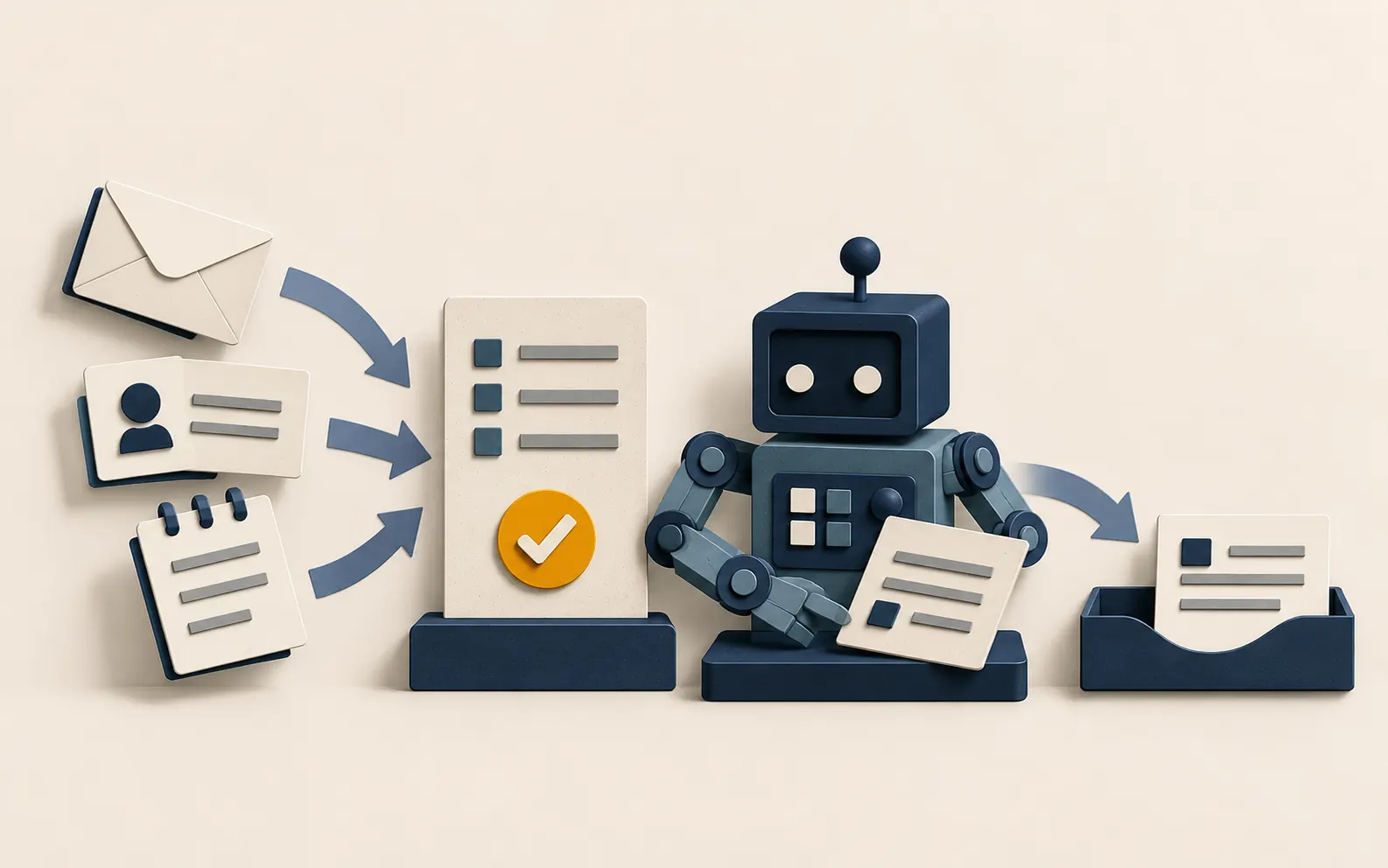
A four-person joinery firm in Portobello has a new office manager who has started using ChatGPT to tidy up quotes and emails. It saves her an hour a day. Last week she pasted a customer’s full address, phone number and a note about their mother’s mobility needs into a free account to get a friendlier reply. Nobody told her not to, because nobody had written anything down.
An AI use policy for small business fixes that gap. It is a short document that tells your team which AI tools they may use, what they may put into them and who checks the output. You do not need a lawyer or twenty pages. You need one page that people actually read. This guide shows what to put on it, how to write it in an afternoon and how to roll it out. It ends with the policy-related projects we could deliver for clients.
Why a small team needs an AI use policy
Staff are probably using AI already, with or without your say-so. The risk is not the tools themselves. It is three ordinary things:
- Personal or confidential data going into a tool you have not checked. Customer details, staff records, supplier contracts and pricing are the usual examples.
- Unchecked output going straight to a customer. AI writes fluent text that can be wrong, and a confident wrong answer is harder to spot than a typo.
- Nobody knowing which tools are in use. If you do not know, you cannot tell a customer or your accountant how their data is handled.
The Information Commissioner’s Office (ICO) has said what it expects from organisations using generative AI. In its blog post on eight questions that developers and users need to ask, it lists points such as your lawful basis for using personal data, whether you are a controller or processor, whether you have done a data protection impact assessment (DPIA), how you will be transparent with people, and how you will handle security risks and individuals’ rights. A one-page policy will not answer all of those on its own, but it is the natural place to record your decisions.
What goes in the policy
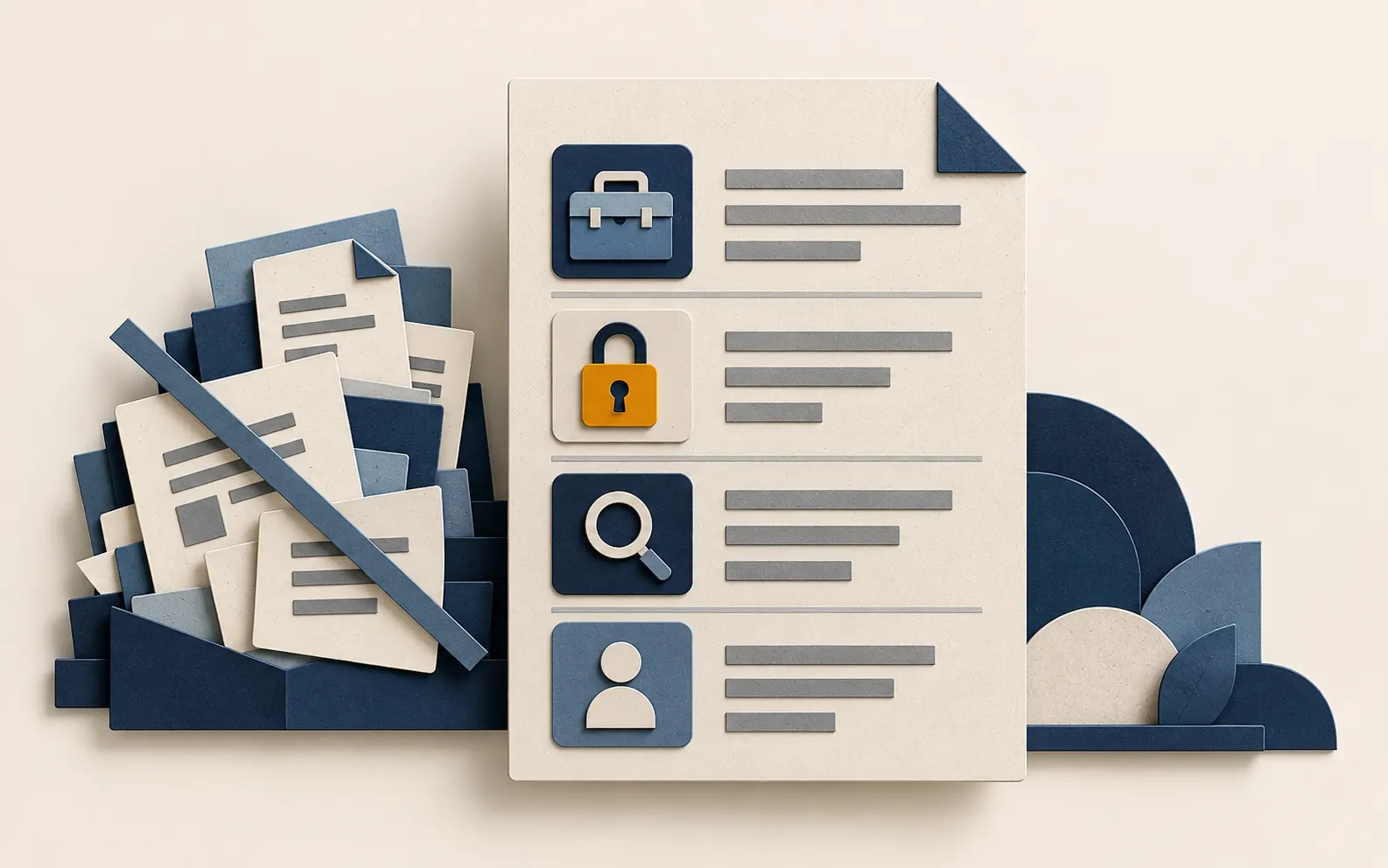
Keep it to one page. These are the sections that earn their place, with a note on what each should say.
| Section | What it should say | Example wording |
|---|---|---|
| Purpose | Why the policy exists, in one or two sentences | “We use AI to save time on routine writing and admin, without putting customers or the business at risk.” |
| Approved tools | The named tools and plans staff may use, and who owns each account | “ChatGPT Business and Microsoft Copilot through the company login. Personal free accounts are not for work.” |
| Never enter | Data that stays out of any AI tool unless you have approved it | “Customer names with contact details, health or financial information, staff records, passwords, unpublished pricing.” |
| Allowed uses | Tasks that are fine | “Drafting and rewording emails, summarising notes you wrote, checking spelling, outlining a document.” |
| Needs approval | Tasks that need a second person or a decision first | “Anything sent to a customer unreviewed, anything using personal data, new tools or plug-ins.” |
| Checking output | Who reads it, and what they check | “The sender reads every word. Figures, names and dates are checked against the source.” |
| Telling people | When you tell customers AI was involved | “We tell customers if an AI assistant talks to them directly.” |
| Problems | Who to tell and how fast | “Tell the owner the same day if personal data went somewhere it should not.” |
| Review | When the policy is next looked at | “Every six months, or when we add a tool.” |
The ICO published its own internal AI use policy, which is a useful model for structure. It says, among other things, that AI outputs are reviewed by a human, that AI initiatives involving personal data go through the impact assessment process and that the organisation keeps an inventory of AI in use. The ICO is much bigger than your business, so borrow the ideas and keep your version short.
Step 1: Find out what people already use
Before you write any rules, ask. A short, no-blame conversation works better than a survey.
- Ask each person three questions: which AI tools do you use, what for, and what do you put into them?
- Include the tools you did not buy. Writing assistants inside email, the AI features in your accounting package, browser extensions and phone apps all count.
- Write the answers in a simple list. Tool, plan (free or paid), who uses it, what for, and what data goes in.
- Mark anything that touches personal data. Those rows are where your rules matter most.
Say clearly that you are not looking for people to blame. If staff think they will be told off, they will stop telling you, and the use will carry on out of sight.
Step 2: Decide which tools are approved
For each tool on the list, check three things on the vendor’s own pages, not on a summary site:
- Whether business content is used to train the vendor’s models. Business and enterprise plans from the major vendors generally differ from free consumer accounts on this point. Read the current terms for the exact plan you would buy, because they change. Vendors such as ChatGPT, Claude, Gemini and Microsoft Copilot each publish this in their business or enterprise privacy pages.
- Where your data is processed and how long it is kept. If a provider will not say, treat that as an answer.
- Who can see the conversations. On a shared business plan, an administrator may be able to see staff chats. Staff should know that.
Then make a decision for each tool: approved, approved with limits, or not for work. The simplest rule for a small team is that work use happens on company-managed accounts only. A free personal account on a phone is not something you can manage, audit or switch off when someone leaves.
If a tool will process personal data, the ICO’s expectation is that you think about a DPIA first. Its guidance on accountability and governance for AI says DPIAs should not be treated as a box-ticking exercise. For a small team that usually means a page of notes covering what data goes in, why, the risks and what you decided. If you are unsure whether you need one, ask your data protection adviser or check the ICO’s guidance for small organisations.
Step 3: Draw the data line
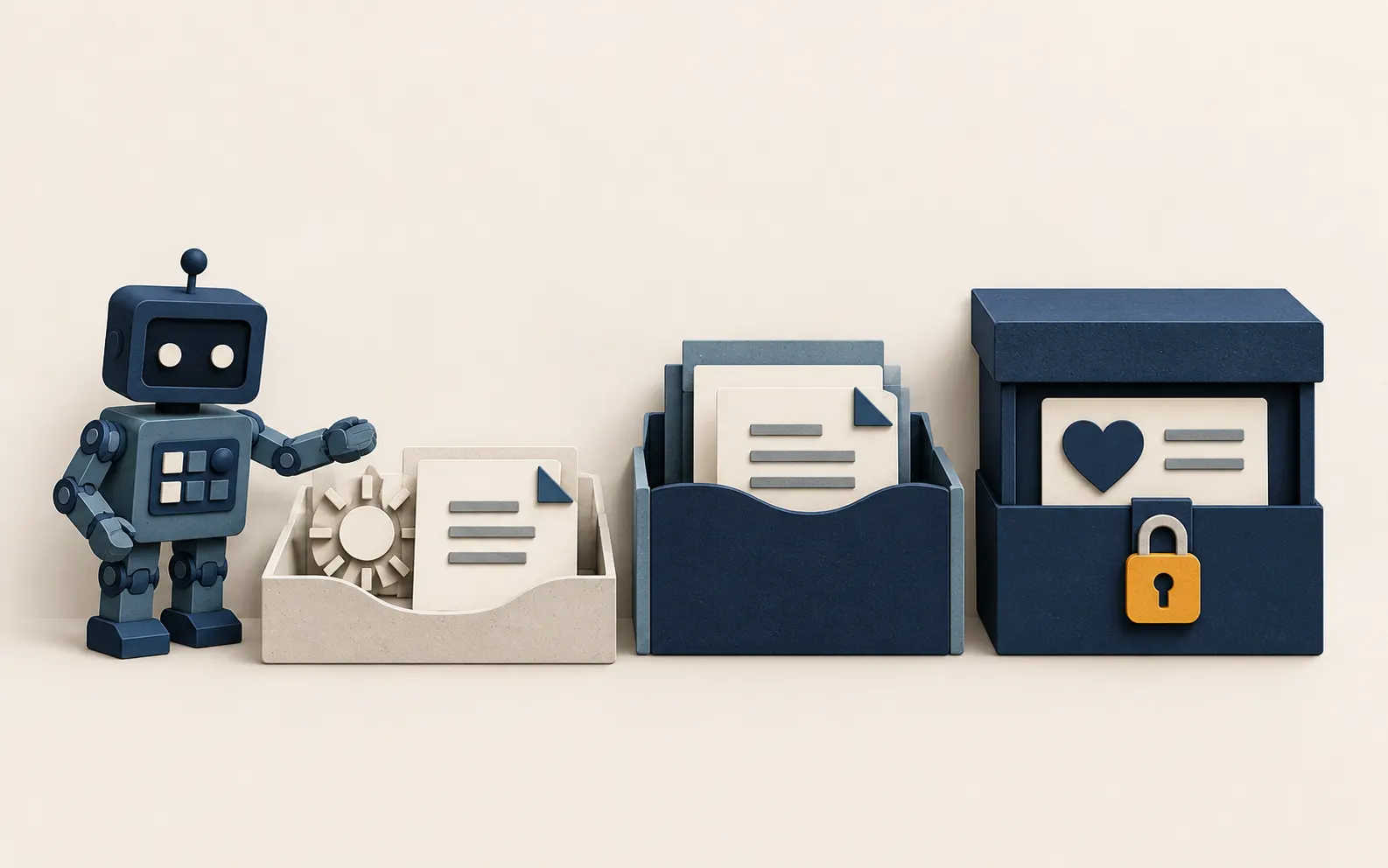
The “never enter” section does most of the work, so make it concrete. A three-band list is easy to remember.
Green: fine to use
Text you wrote yourself, public information, generic questions, anonymised examples, and your own marketing copy. A dental practice in Morningside asking for ideas for a recall reminder is in the green.
Amber: ask first, or use an approved tool only
Customer names with order details, supplier contracts, internal pricing, draft tenders and staff rotas. These can be fine on an approved business plan with the right settings. Staff should know which tool and who decides.
Red: never in an AI tool without a documented decision
Health information, financial account details, passwords and access codes, staff performance or disciplinary records, and anything a customer gave you in confidence. Health data is special category data under UK GDPR and needs extra care in any system.
A practical habit that helps: remove the identifying parts before pasting. “Customer A, a retired client with limited mobility” gives the tool what it needs without a name, address or phone number.
Step 4: Set the checking rules
AI output is a draft. Your policy should say who owns it once it leaves the tool.
- The sender owns it. Whoever sends or publishes it is responsible, whatever wrote the first draft.
- Check what can be wrong. Figures, dates, names, legal and tax statements, quotes and anything that sounds like a promise to a customer.
- Check against a source. If the draft says a rule or a price, find the original.
- No unreviewed decisions about people. Hiring, discipline and credit decisions should not rest on an AI answer alone. UK GDPR gives people rights around decisions made solely by automated means, so keep a person in the loop.
- Disclose when it matters. If a chatbot or assistant talks directly to customers, say so on the page or in the first message.
Step 5: Write it, test it and roll it out
You can do this in half a day.
- Draft from the table above, using your own tool list and your own examples. Aim for one side of A4.
- Read it as a new starter would. Underline anything that needs a manager to explain, and rewrite it.
- Test it on three real tasks. Take a quote, a customer email and a supplier question, and ask whether a team member could follow the policy for each without asking you.
- Brief the team in 20 minutes. Walk through the green, amber and red bands with real examples from the list you collected in step 1.
- Give it a home. Put it where people look, such as the staff handbook, the shared drive’s front page or the wall by the kettle, and add a line to the induction checklist.
- Name an owner and a review date. Put a six-month reminder in the calendar. Review it when you add a tool, change a plan or have an incident.
Handling a mistake
Mistakes will happen, so decide in advance what to do. If personal data goes somewhere it should not, the ICO’s small organisation guidance on responding to a personal data breach explains that where a breach is likely to risk people’s rights and freedoms you must report it to the ICO without undue delay and within 72 hours of becoming aware of it. The clock starts when you discover the breach. Whether or not you report, keep a log of what happened and what you decided.
Your policy needs two lines on this: who staff tell, and that they tell them the same day. Staff who fear blame will hide the problem, so say plainly that reporting quickly is the right thing to do.
Risks and what to avoid
- A policy nobody can find. If it lives in a folder nobody opens, it does not exist. Put it in front of people.
- Copying a big company’s policy. A 15-page enterprise document will be ignored by a team of six. Keep yours short.
- A blanket ban. Banning AI usually moves use to personal phones. A clear yes, with limits, keeps it visible.
- Writing rules you cannot check. If you say “approved tools only” but have no way to know what is in use, say how you will check, even if it is only a quarterly conversation.
- Forgetting the tools inside other tools. AI features arrive in software you already pay for. Check settings when you update.
- Treating the policy as the whole job. It sits alongside your privacy notice, your data protection records and your supplier checks.
- Giving legal certainty it does not have. A policy shows you have thought about it. If you handle sensitive data or work in a regulated field, take professional advice as well.
Practical applications we could deliver for customers

Through our practical AI service we help small teams use AI sensibly rather than just quickly. These are examples of the work we could take on, not case studies.
A tailored one-page AI policy and a 20-minute team briefing
We would interview your team, list the tools in use, check the vendor terms for each plan and write a policy in your own words. We then run the briefing with real examples from your business.
An AI tool register and a data map
A simple register showing every tool, plan, owner, what data goes in and when it was last checked. For a small accountancy practice, this also becomes evidence for clients who ask how their data is handled.
Prompt templates that keep personal data out
Ready-made prompts for the jobs your team does most, such as customer replies, meeting notes and quote wording, with a built-in step that swaps names and details for placeholders. This pairs naturally with our AI automation work, where the same rules are built into the workflow itself.
A review step built into your workflow
Where AI drafts something for a customer, we could add an approval step so a named person must read and release it. That might be a form, a shared inbox rule or a status field in an internal tool.
A pre-adoption checklist for new tools
A two-page checklist your team completes before trying a new AI product: what data, which plan, who owns the account, where data is processed and how to export or delete it.
A six-monthly policy check
A short, scheduled review where we look at what has changed in your tools and in the rules, and update the one-pager so it stays accurate.
How to start this week
- Ask each person what AI tools they use and what for.
- Write the list and mark anything with personal data.
- Pick the approved tools and move work use onto company accounts.
- Draft the one-pager from the table, with green, amber and red examples.
- Brief the team and agree who owns the policy and when it is reviewed.
Where we can help
If you would like a policy that fits how your team actually works, our practical AI service helps Edinburgh and Scottish small businesses choose tools, set sensible limits and train staff. We start with the plainest option that works. To see where AI could help and where it should not be used in your business, book the free process audit.